Read in 4 min
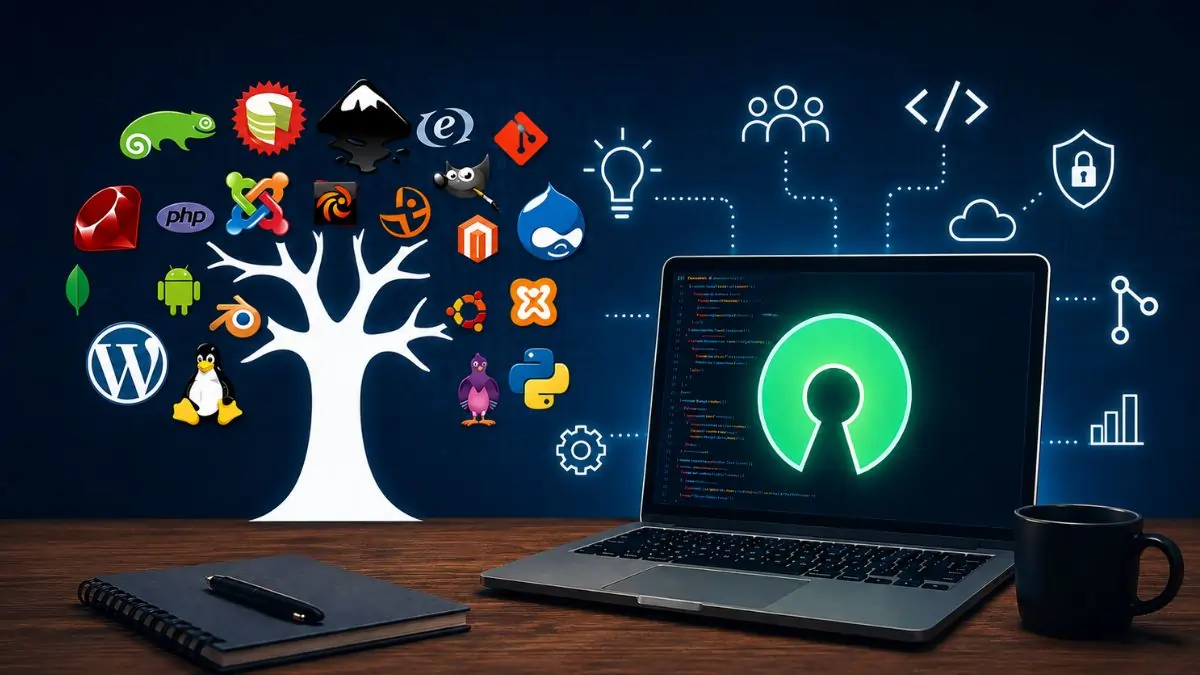
Open source software, individuals around the world can download, modify, and distribute it free of charge. This software is available for everything from CRM to cloud storage. Because the developer had deliberately released the source code for free under an open-source license. Software from the open-source movement has completely transformed the world. Globally, web servers are running on some form of open-source Linux operating system.
It was used to represent a specific approach to creating computer programs in the context of software development. Today, it embodies a broad set of open-source values. Open-source projects adopt and encourage the principles of collaborative partnership, merit-based systems, transparency, and rapid prototyping. In this article, we will learn about the best open-source software of 2026.
Open Source Software (OSS) is software whose source code is available for public use. In other words, anyone can modify, view, and distribute the software as they wish. This is an alternative to the traditional proprietary software model, under which the source code is kept secret and individuals’ ability to share the software is restricted.
Developers around the world can collaborate on and improve OSS projects, adding features that benefit everyone. It is important to note that “open source” cannot be equated with free. Many OSS projects are free, though developers can charge for the software if they wish. Since the source code is available to users, it can be modified and distributed as desired.
Here are the Key Use Cases for Open Source Software-
Here are the best open source software of 2026
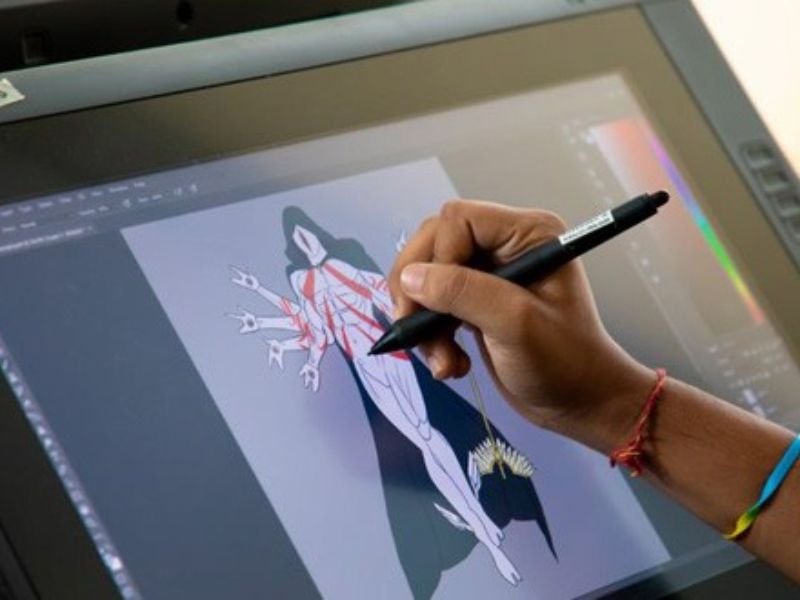
GIMP is one of the most popular and well-known open source software tools among Linux users. This software offers you the image editing capabilities and flexibility of Adobe Photoshop for free. It includes support for filters, layers, and automatic photo enhancement. GIMP can be further enhanced by downloading plug-ins created by the open-source community. Learning GIMP is not as easy as learning Photoshop.
However, after a short while, you will certainly appreciate its GPU hardware acceleration and customizable interface. GIMP is a free, cross-platform, open-source graphics editor; it is widely used for photo retouching, image composition, and creating original artwork. Available for Windows, macOS, and Linux, GIMP is often considered a powerful, free alternative to Adobe Photoshop.
LibreOffice is free, open source software that serves as a powerful alternative to Microsoft Office. It is the world’s most popular software, featuring databases, presentations, spreadsheets, documents, diagrams, and mathematical formulas. With the addition of a QR code generator tool in its latest update, mobile-friendly links can be easily created. It includes tools for word processing, spreadsheets, presentations, and databases. The reason LibreOffice stands out is that it handles Microsoft file formats better. One drawback of this is that it is difficult to edit documents collaboratively online.
VLC Media Player is a lightweight application software created by an open source development group known as the VideoLAN Project. Audio and video files in any format can be opened using VLC Media Player. VLC works quite well for streaming media such as online radio stations and podcasts. The biggest feature of this software is its playback control. It allows you to customize everything related to media display from hardware optimization to adding subtitle files from third-party sources. Like other excellent software, it can be upgraded with new facilities and features.
Shotcut is free, open source video editing software. This is one of those open-source programs that demonstrates how much a dedicated development community can improve a platform over time. In the early versions, Shotcut’s interface was somewhat simple. However, later versions have introduced additional dockable panels, an intuitive timeline, and other improvements that place Shotcut in the same league as premium video editors like Adobe Premiere Pro.
It supports video editing and non-destructive audio, which essentially means compiling effects without any loss of quality. This platform is used for color grading and keying operations, as well as for basic clip splicing and trimming.
Audacity is a free and powerful audio editor that runs smoothly on Windows, Mac, and Linux. With this, you can record, edit, and enhance songs, podcasts, and voice recordings. It supports almost all audio files, and new features can also be used by adding plugins. Its interface might seem a bit unfamiliar at first, but once you learn it, it proves to be extremely easy and useful. If you want high-quality audio editing, Audacity is a fantastic option.
FileZilla is free and reliable FTP software that allows you to easily upload, download, and manage your website files on a server. It works on Windows, Mac, and Linux. Its easy drag-and-drop feature makes file transfer fast and simple. Even large files can be transferred without any hassle, and if the internet connection drops, the transfer resumes from where it left off. FileZilla is an excellent option for those who manage websites.
Thunderbird is free and open source email software that runs smoothly on Windows, Mac, and Linux. With this, you can manage multiple email accounts from a single place. It also offers useful features like a calendar, contacts, and RSS news. Its clean and attractive interface makes using email easy. If you want secure, simple, and reliable email management, Thunderbird is an excellent choice for you.
To decide whether to use open source software, it is crucial to first consider the actual requirements. There are some platforms that offer only basic options. If you require advanced tools, another platform might be the most suitable. Many types of open source software are available in the current market, each better than the other. However, the right choice for you would be open-source software, as it is capable of providing tools based on your needs.





Read in 4 min

Read in 4 min

Read in 4 min