Read in 4 min
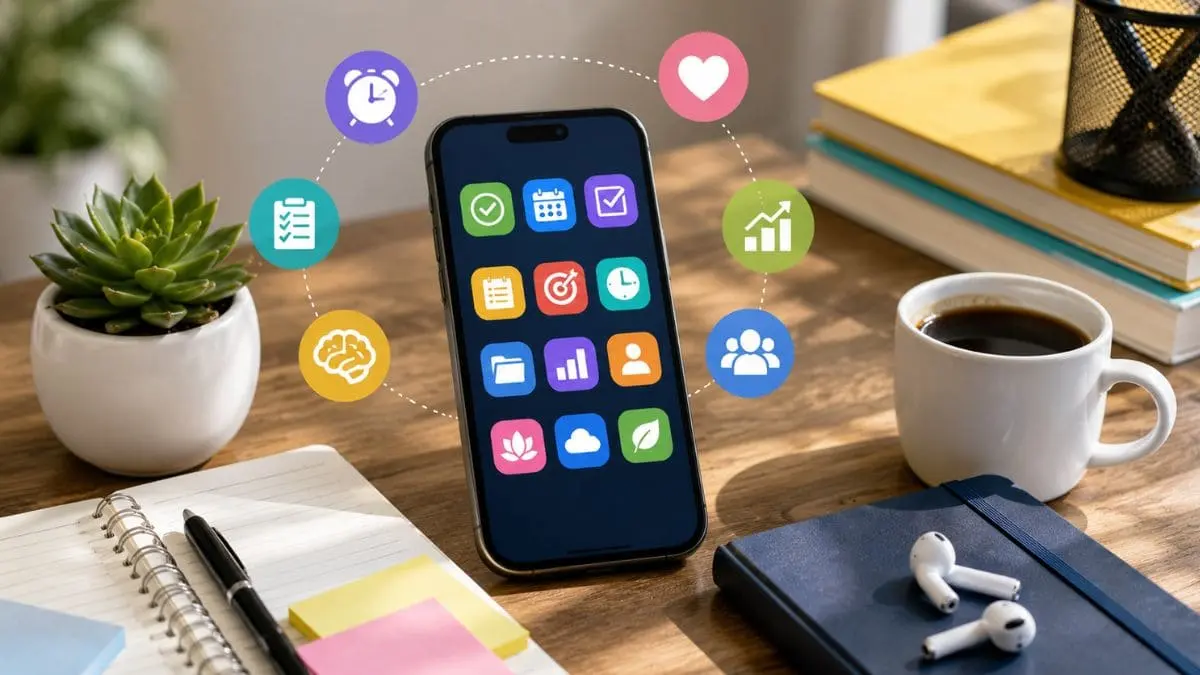
Over the past few years, smartphones have become powerful tools for individuals and businesses to manage work, study, communication, finances, and everyday tasks. However, with so many apps available on the internet, choosing the right one can be challenging. The right productivity apps can help you organize your schedule, manage tasks, take notes, collaborate with others, and stay focused.
Whether you use an Android phone or an iPhone, there are numerous productivity apps designed to help you make better use of your time. This blog shares information about some of the best productivity apps worth considering.
Check out our blog to learn about the best productivity apps for Android and iPhone.
The best productivity apps for Android and iPhone combine task tracking, notes, and focus tools to help users manage their daily work and personal life efficiently. Here is a closer look at the best productivity apps for Android and iPhone.
One of the most popular productivity apps for both Android and iPhone is Google Calendar. This app is a useful scheduling app for managing appointments, meetings, reminders, and personal activities. Users can create multiple calendars, schedule recurring events, and receive notifications before important activities.
It is particularly useful for students, professionals, and anyone managing a busy schedule. Its integration with other Google services also makes it convenient for people who already use Gmail and Google Workspace.
Microsoft To Do is another productivity app designed for creating and managing daily tasks. You can create separate lists for work, personal responsibilities, shopping, or projects. Task reminders, Due dates, Recurring tasks, Subtasks, Notes, and List organization are useful features. The app works across Android, iPhone, and other devices, making it useful for people who frequently switch between devices.
Todoist is a popular task-management application for people who want a more structured way to organize responsibilities. Users can create projects, assign priorities, establish deadlines, and organize tasks using labels and filters. It is particularly useful for managing complex projects because tasks can be divided into smaller steps.
Evernote is designed primarily for note-taking and information organization. Users can create notes, save documents, organize information into notebooks, and search through stored content.
It can be useful for keeping research material, meeting notes, ideas, receipts, and important information in one place.
Notion is another app that combines notes, databases, project management, calendars, and collaborative workspaces in one platform. Students can use it for class notes and study planning, while professionals can create project dashboards, meeting notes, content calendars, and task lists.
Its flexibility is one of its biggest strengths, although new users may need some time to learn all of its features.
Trello uses boards, lists, and cards to organize projects visually. This makes it particularly useful for people who prefer seeing tasks and project progress at a glance.
This app can be used for Team projects, Content planning, Marketing campaigns, Personal goals, Event organization, and Workflows. Its visual approach makes project management easier to understand, particularly for collaborative teams.
When it comes to the best productivity apps for Android and iPhone, Slack comes to mind first. It is a communication and collaboration platform widely used by businesses and remote teams. Instead of relying entirely on email, teams can communicate through dedicated channels and direct messages.
Slack supports file sharing and integrations with various business applications, making it ideal for many businesses aiming to manage workplace communication.
Google Keep is a simple option for quickly capturing ideas, reminders, lists, and short notes. It is particularly useful when you want to record something quickly without opening a complex productivity platform.
Users can create checklists, add colors and labels, and set reminders. Its simple interface makes it suitable for everyday personal productivity.
Grammarly can help users improve their writing while working on emails, documents, messages, and other types of content. Depending on the platform and plan, it can provide suggestions related to grammar, spelling, clarity, tone, and style. For students and professionals who frequently communicate in writing, a writing assistant can help make everyday communication more polished.
Staying focused can be difficult when smartphones constantly provide notifications and distractions. Forest uses a different approach by encouraging users to concentrate for a specific period.
When a focus session begins, a virtual tree grows. Leaving the session prematurely can interrupt the process. This simple concept can encourage users to spend less time checking their phones and more time completing important tasks.
The best productivity app depends on what you want to accomplish. Before installing an app, consider your primary needs.
If you mainly need task management, Todoist or Microsoft To Do may be suitable. For scheduling, Google Calendar is a practical choice. People looking for an all-in-one workspace may prefer Notion, while teams may benefit from Trello or Slack.
Also consider whether the app works across your devices, supports synchronization, offers the features you actually need, and fits comfortably into your daily routine.
Simply downloading productivity apps will not automatically make you more productive. Use them consistently and avoid creating unnecessary complexity.
Start by choosing only a few apps for specific purposes. Set realistic tasks, use reminders for important deadlines, and review your schedule regularly. Turn off unnecessary notifications so your productivity tools do not become sources of distraction.
It is also useful to periodically remove apps that you no longer use. A simple productivity system is often easier to maintain than one filled with dozens of overlapping applications.
The best productivity apps for Android and iPhone can help you manage time, organize responsibilities, communicate efficiently, and stay focused. Google Calendar, Microsoft To Do, Todoist, Notion, Evernote, Trello, Slack, Google Keep, Forest, and Grammarly each serve different productivity needs.
Instead of choosing an app simply because it has many features, select tools that solve your specific problems and fit naturally into your routine. With the right combination of apps and consistent habits, your smartphone can become a valuable productivity tool rather than a constant source of distraction. To learn more about these apps, start an online search today!






Read in 4 min

Read in 4 min

Read in 4 min