Read in 4 min
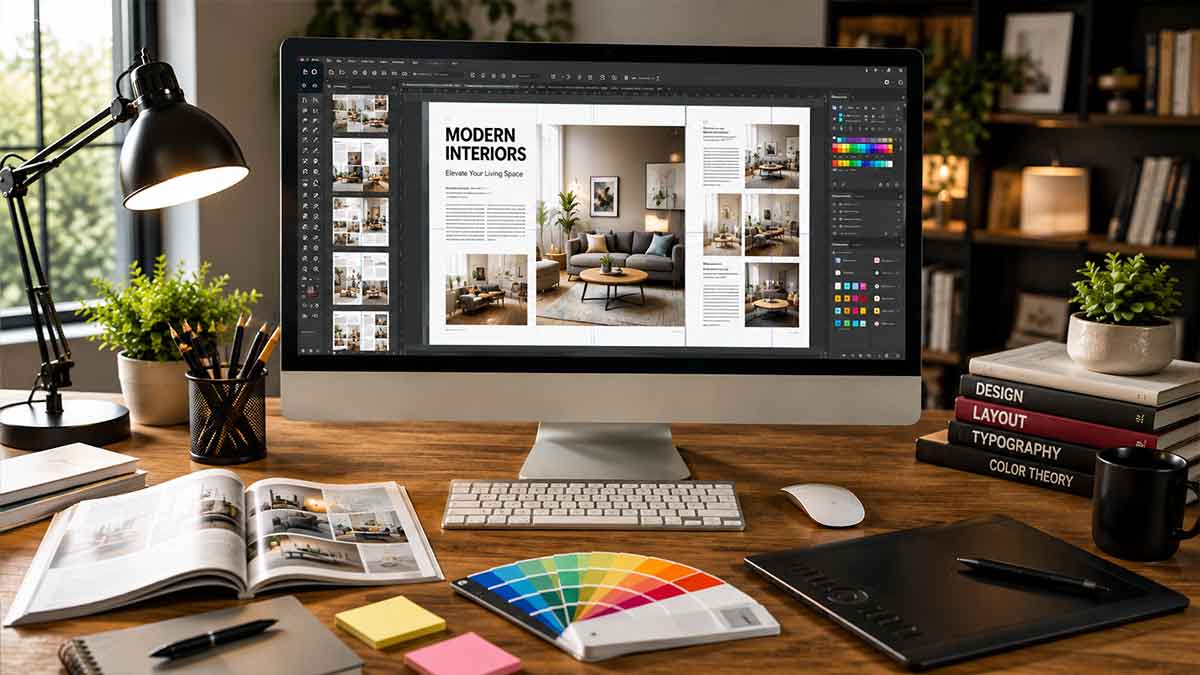
Over the past few years, Desktop publishing software has become a popular choice for businesses to create professional documents such as magazines, posters, brochures, newsletters, flyers, catalogs, books, business cards, and marketing materials.
Unlike basic word processors, these tools provide excellent control over page layouts, typography, images, colors, columns, and print-ready files. Check out our blog to learn more about the best Desktop publishing software.
Here are the best desktop publishing software tools for businesses to create professional documents.
Best for: Professional Publishing
Adobe InDesign is one of the most widely recognized desktop publishing programs for professional designers, publishers, marketing teams, and print-production professionals. It is designed for creating complex documents such as magazines, newspapers, books, catalogs, brochures, and interactive PDFs.
It provides advanced typography controls, master pages, paragraph and character styles, linked text frames, image placement, preflight tools, and professional print-production capabilities. The main disadvantage is its subscription-based pricing, which may make it less attractive to students, occasional users, or small businesses.
Best for: Free Desktop Publishing Software
Scribus is an open-source desktop publishing application that is particularly attractive to users who need professional layout features without paying for software. The software supports page layouts, master pages, typography, image frames, color management, and professional PDF export. It runs on Windows, macOS, and Linux, making it one of the more flexible free desktop publishing options.
In addition, this tool can be used for newsletters, brochures, posters, books, magazines, and other print projects. Its interface may take more time to learn than simpler design platforms, but it provides considerable control once users become familiar with its workflow.
Best for: Professional Alternative
Affinity Publisher is a powerful page-layout application designed for professional-quality publishing and graphic design. It provides features such as master pages, linked text frames, professional typography, image handling, CMYK workflows, and print-ready PDF creation.
The software is suitable for creating magazines, brochures, books, posters, reports, and other complex publications. Its integration with Affinity’s photo and vector-design tools can also make it convenient for users who want to edit images and graphics within the same creative ecosystem.
Best for: Beginners and Templates
When it comes to the best desktop publishing software tools, Canva comes to mind first. It is a browser-based design tool that helps users to make desktop publishing accessible without professional graphic-design experience. It has a large collection of templates that enable users to quickly create flyers, invitations, newsletters, brochures, posters, social media graphics, presentations, and marketing materials.
Its drag-and-drop interface also makes it a useful platform for beginners aiming to create attractive designs without learning complicated publishing software. In addition, this platform supports collaboration, which makes it useful for teams working on marketing and communication materials. In short, this software is the best for beginners, small businesses, social media teams, flyers, invitations, newsletters, and quick marketing materials.
Best for: Free Option for Simple Projects
LibreOffice Draw is desktop publishing software available for professionals. It is a free component of the LibreOffice suite that can be used for basic page layout and desktop publishing tasks. It is widely used to create posters, diagrams, brochures, flyers, and other relatively simple documents. The software is the best for simple brochures, flyers, posters, educational materials, and occasional publishing work.
Best for: Advanced Publishing Workflows
QuarkXPress is the best desktop publishing software available for professionals. It is a long-established desktop publishing software that remains relevant for professional publishing and complex page-layout projects.
The software provides advanced typography, page design, long-document management, and print-production features, making it a great choice for publishers working on magazines, catalogs, books, and other large publications.
In addition, this tool is better suited to experienced designers and publishing professionals than beginners because of its extensive feature set.
Before choosing the right one, consider the features you actually need.
The best desktop publishing software depends on what you want to create and how much control you need over the final design. Adobe InDesign is a strong choice for professional publishing, while Affinity Publisher provides powerful modern layout capabilities. Scribus is an excellent free option, and Canva is ideal for beginners who want quick, template-based designs. LibreOffice Draw works well for simple projects, while QuarkXPress remains an option for advanced publishing workflows.
This is just an example of the best desktop publishing software tools. You may try an online search to learn more.




Read in 4 min

Read in 4 min

Read in 4 min